“alu round D25, 6082 T6”Aluminium round bar Ø25 mmEN AW-6082 T6 · Your product code
Find what they mean.
Match abbreviations and technical descriptions to products in your own catalog. Keep the original request alongside the proposed match.
AI for wholesale sales
ERP Agent matches request lines to your products, brings in customer pricing, and prepares quotes and sales orders. Your team handles the decisions.
Email, PDF, Excel and Word requests Watch the launch video
Trusted by our
industry partners







01The request, as it arrives
02The draft, ready to review
| Product name | Qty | Unit price | Total | Match |
|---|---|---|---|---|
| 36 m | 6.75 | €243.00 | 100 | |
| 48 m | 18.20 | €873.60 | 96 | |
| 60 m | 28.90 | €1,734.00 | 72 |
AI reasoning
Steel flat 60x10, S235
Same profile and size. S235 is stocked as S235JR.
Quote Agent v2
Pricing, quantities and alternatives settled in one view — before anything reaches your ERP.
Watch on YouTubeMade for the difficult requests, too
Match the right products, adjust the draft in chat, and check the details that need your judgment.
Match abbreviations and technical descriptions to products in your own catalog. Keep the original request alongside the proposed match.
“Set line 2 to 60 m at €17.50/m.”
After the agent prepares your draft, use chat to add or remove rows and change quantities, prices or other details. Review each proposed edit before applying it.
Under 80 is marked on the line.
Every line carries a match score from 0 to 100. Open a line to read the agent’s reasoning, or ask it for alternative products and take one.
Customer case / LVI-WaBeK
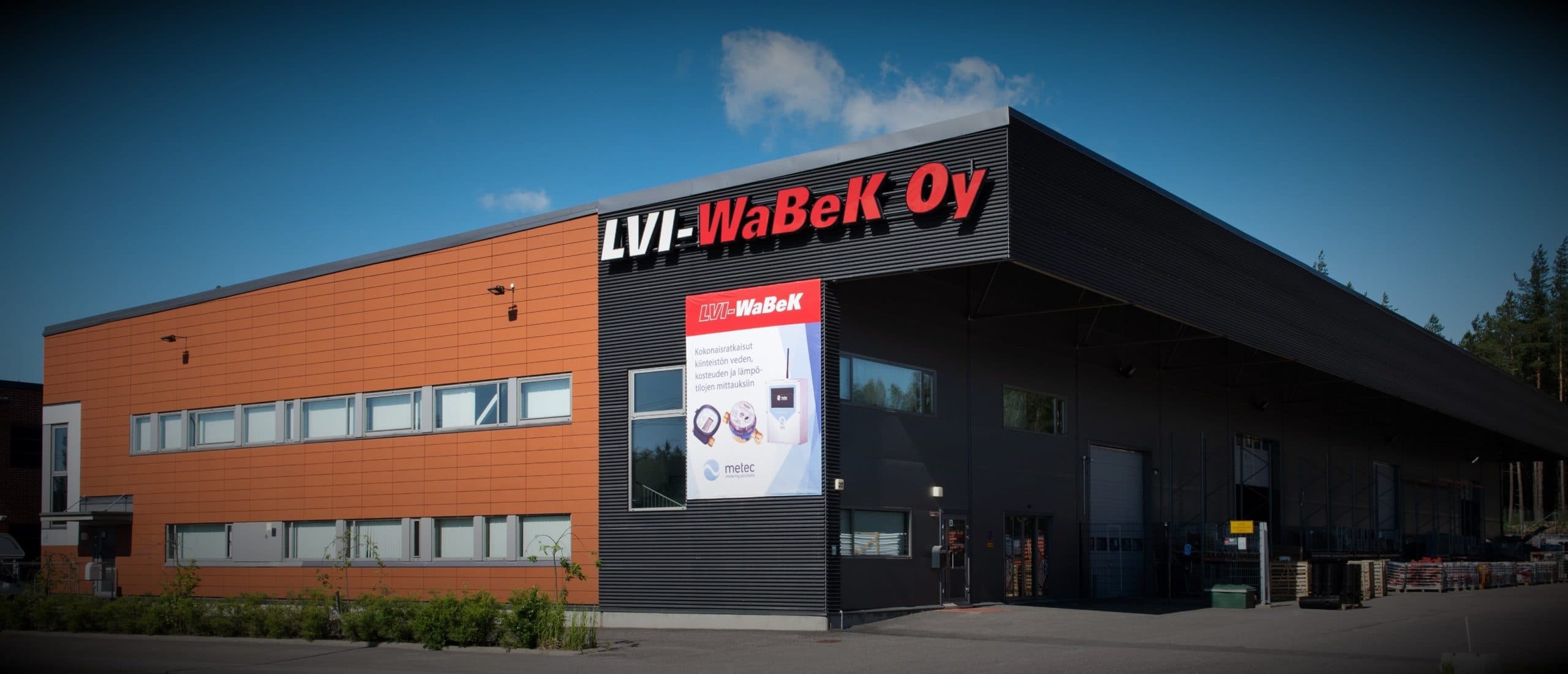
At LVI-WaBeK, ERP Agent automates quote lines with over 95% accuracy. This has freed the sales team to focus on customer relationships.
ERP integrations
We integrate with all major ERP systems. If we don’t already have a connection to yours, we’ll build it for your company.
Discuss your ERP connectionCodes, descriptions, specifications and units
Agreements, prices and previous quote examples
Matches, quantities, prices and open questions
Start with work you recognise
Show us how requests arrive, where matching gets difficult, and how you price and review a quote.
Agree the catalog, customer information and ERP connection needed for your workflow.
Use examples your team knows. Inspect the matches, the assumptions and the amount of review needed.
Before you connect anything
Both. Your team selects the document type, reviews the proposed lines, and sends the result to the connected ERP. The available fields and export format are configured for your setup.
The agent searches your catalog using descriptions, dimensions, materials, and the context of the request. Your team can inspect the proposed match and change it. Missing specifications and assumptions belong in the review, where you can resolve them.
The agent brings in pricing from the data and rules configured for your company. We check your customer agreements, units, and pricing workflow during setup. Your team can review and edit the prices before sending the result.
Start with representative requests and your product catalog. We then scope customer data, pricing, any useful historical quotes, and the ERP connection. We agree what the agent can access and what your team approves before connecting your systems.
Yes. Bring examples of the requests your team handles, including the difficult ones. We can walk through the workflow together and discuss the data and integration needed to test it for your business.
Before setup, we agree which data the agent needs and which systems it can access. The service uses third-party AI providers, so some processing may take place outside the EU. We review data handling and agreements with you before connecting your systems.
The timeline depends on the ERP connection, the readiness of your product data and the scope of the trial. We review these together and agree a schedule before implementation.
Pricing consists of a setup fee and a monthly subscription. The setup scope depends on integrations, product data and your business requirements. You receive an itemized quote before getting started.
Let’s look at your quote workflow
Start a conversation with Lauri. We’ll walk through the product and discuss how it could work with your catalog and ERP.

Founder & CEO
Book a 30-minute call Request a demo by emailOr use the address directly